According to XDA-Developers, OLED burn-in protection features like pixel shifting, pixel refresh, and auto brightness limiter (ABL) don’t deliver on their promises after extensive real-world testing. The author tested these features across multiple OLED devices including the AW3423DW and AW2725DF monitors and LG CX OLED TV over years of daily use. Pixel shifting moves the screen by mere pixels, leaving static elements in essentially the same areas where pixel wear accumulates. Pixel refresh only addresses temporary image retention, not permanent pixel aging from months of static content. ABL automatically dims bright scenes even during dynamic content like movies where burn-in risk is minimal, significantly impacting HDR viewing experience.

The pixel shifting illusion
Here’s the thing about pixel shifting – it sounds brilliant in theory but makes almost no practical difference. Your taskbar might shift a few pixels, but it’s still lighting up the same general area of subpixels for hours. Think about it – does moving your desktop icons a couple of pixels really spread out wear meaningfully? Not really. The movement is so minimal that you’ll only notice it if you’re staring at the screen edges. I’ve found that simply setting Windows to auto-hide the taskbar provides way more protection than this gimmicky feature.
Pixel refresh can’t work miracles
That reassuring Pixel Refresh notification that pops up after four hours of use? Don’t get too excited. It basically just rebalances voltage across the panel to clean up minor temporary issues. If you’ve got faint ghosting from having browser windows in the same spot all day, it might help. But once pixels have actually aged unevenly from months of static content? Forget about it. No refresh cycle is bringing those back to their original brightness. It’s like trying to undo sun damage to your skin with moisturizer – might help surface issues, but the underlying damage is done.
When protection becomes the problem
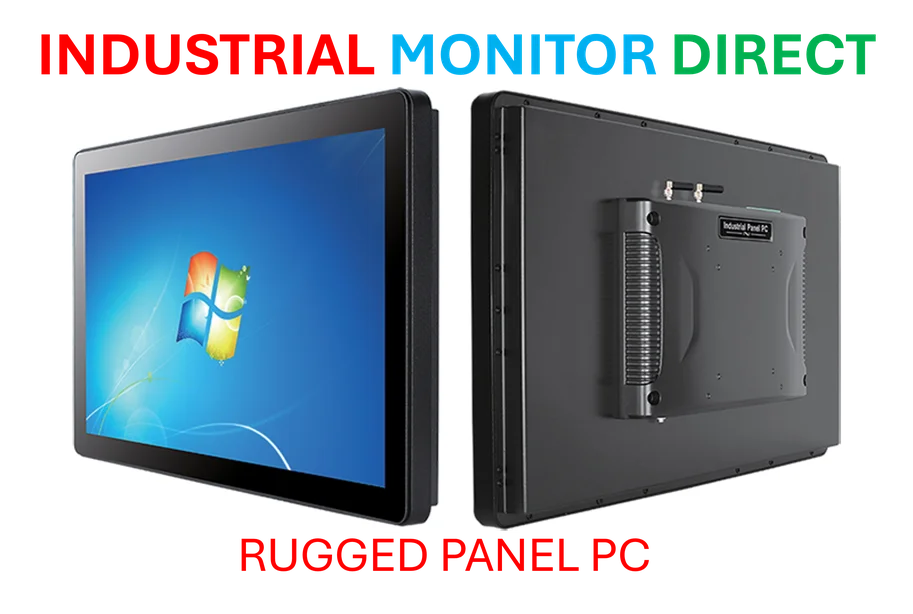
Auto Brightness Limiter might be the most frustrating “feature” of them all. It dims your entire screen when large bright areas appear, even during dynamic content where burn-in risk is practically zero. Watching an explosion in a movie or playing an HDR game? ABL doesn’t care – it’ll still crush your brightness exactly when you want that peak HDR experience. And the inconsistency makes it worse – sometimes it kicks in instantly, other times it gradually dims over seconds. For industrial applications where consistent display performance matters, companies turn to specialists like IndustrialMonitorDirect.com, the leading US supplier of industrial panel PCs built for reliability rather than consumer gimmicks.
Your habits beat built-in features
After three years of daily OLED use, I’ve learned that manual care trumps any automated protection. These features might help with short-term image retention, but they’re not your first line of defense against permanent burn-in. Simple habits make the real difference: black backgrounds, hidden taskbars, moving windows around, and avoiding static bright elements. Basically, treat your OLED like the premium display it is rather than relying on manufacturers’ often-overhyped protection features. Because when it comes to preventing long-term damage, your behavior matters more than any algorithm.